.svg)
GOV.UK One Login and Identity Verification: What Newcomers Need to Know
An updated system-level overview of GOV.UK One Login, identity verification, HMRC access, eVisa context, share codes, Companies House and common digital-verification friction for newcomers in the UK.
Clear, information-only updates on how key UK systems work — from healthcare and identity checks to everyday administrative steps.
No opinions. No advice. Just structured information to help you navigate your first stages in the UK with clarity and confidence.

GOV.UK One Login and Identity Verification
What Newcomers Need to Know
Digital identity is becoming a central layer of UK administrative access.
For newcomers, this can feel confusing because several systems may appear close together: GOV.UK One Login, HMRC access, identity verification, eVisa, UKVI account, share codes and government service accounts.
These systems are connected, but they are not all the same thing.
This article provides a calm, information-only explanation of how GOV.UK One Login and identity verification fit into the wider UK digital access system in 2026.
It does not provide legal, immigration, financial, tax or regulated advice.
1. What GOV.UK One Login Is
GOV.UK One Login is the UK government’s shared sign-in and identity service for online public services.
It is designed to let people:
• sign in using one account
• prove their identity where a service requires it
• reuse verified identity across participating services
• manage sign-in details such as email, password and security codes
• see some services they have accessed through GOV.UK One Login
At a system level, GOV.UK One Login is intended to reduce the need for separate accounts across different government services.
However, it does not yet work with every government service.
Some services still use older sign-in routes, including Government Gateway or separate service-specific accounts.
2. GOV.UK One Login and Government Gateway
GOV.UK One Login is gradually replacing older ways of signing in to government services, including Government Gateway.
This does not mean every user must switch immediately.
In 2026, the transition is still gradual.
For example, HMRC has started introducing GOV.UK One Login for some new users, while existing Government Gateway users may continue using their current sign-in details until they are told to move.
This means a newcomer may see different sign-in routes depending on:
• which service they are using
• whether they are a new or existing user
• whether the service has already integrated with GOV.UK One Login
• whether identity verification is required for that service
The important point is that GOV.UK One Login is a growing digital access layer, not a universal replacement for every account on day one.
3. When Identity Verification Is Required
Some services only require a sign-in.
Other services require the user to prove their identity.
Identity verification may be required where a service needs higher confidence that the person accessing it is the correct individual.
This may be relevant for services connected with:
• tax records
• company records
• identity-sensitive government services
• official account access
• regulated or protected administrative records
• services that need to confirm who is using them
Once identity has been proven through GOV.UK One Login, the verified identity may be reused by other participating services that require the same level of assurance.
This is why identity consistency matters.
If a person’s name, date of birth, passport details, address history or account access details do not align, verification may become slower or less straightforward.
4. Main Identity Verification Routes
GOV.UK One Login currently describes several ways a person may prove their identity.
These include:
• using the GOV.UK One Login app
• answering security questions online
• proving identity at a Post Office, where available
The route offered may depend on the service, the person’s documents, available data and the verification journey.
Some users may complete verification digitally.
Others may need an alternative route if the app or online journey does not work for them.
This does not always mean there is a problem with the person’s status or identity.
It may simply mean that the system needs a different verification route.
5. The GOV.UK One Login App
The GOV.UK One Login app can be used to prove identity for some services.
The app checks that:
• the photo ID is real
• the user is a real person
• the user matches the person shown in the photo ID
The app may support several types of photo ID, including UK passport, UK photocard driving licence, non-UK passport with a biometric chip, and certain UK biometric documents or permits.
There are also rules around expired documents.
An expired passport cannot be used to prove identity through the app.
An expired DVLA driving licence may be usable only in limited circumstances.
An expired BRP, BRC or Frontier Worker permit may still be usable for identity proving if it expired within the permitted transitional period.
This should not be confused with using a BRP as current proof of immigration status.
In 2026, immigration status is increasingly shown through eVisa and UKVI account access, rather than through a physical BRP as a current status document.
6. Security Questions and Data Matching
Some people may be able to prove their identity by answering security questions online.
These questions may be based on information held in systems such as credit records, bank-related data, HMRC records or Department for Work and Pensions information.
This means the process may depend on whether enough reliable data exists to ask identity-checking questions.
For newcomers, this can be a source of friction.
A person may have valid documents and lawful status, but still have limited UK data history.
Limited UK credit history, limited address history or newly created records may affect how easily some verification routes work.
This is a system-data issue, not automatically a personal failure.
7. Post Office Identity Route
Where digital verification is not available or not successful, some users may be directed to prove identity through a Post Office route.
This route may still begin and end digitally, but includes an in-person identity-checking stage.
It can be relevant where:
• the app route does not work
• online security questions are not available
• the system requires additional assurance
• the user’s document or data profile does not support a fully digital route
For newcomers, this is important because identity verification is not always a single online path.
The system may offer different routes depending on the evidence and data available.
8. GOV.UK One Login and eVisa Are Not the Same
A common source of confusion is the relationship between GOV.UK One Login and eVisa.
They are connected to digital access, but they are not the same system.
GOV.UK One Login is a government sign-in and identity verification service for accessing participating online services.
eVisa is a digital record of immigration status accessed through a UKVI account.
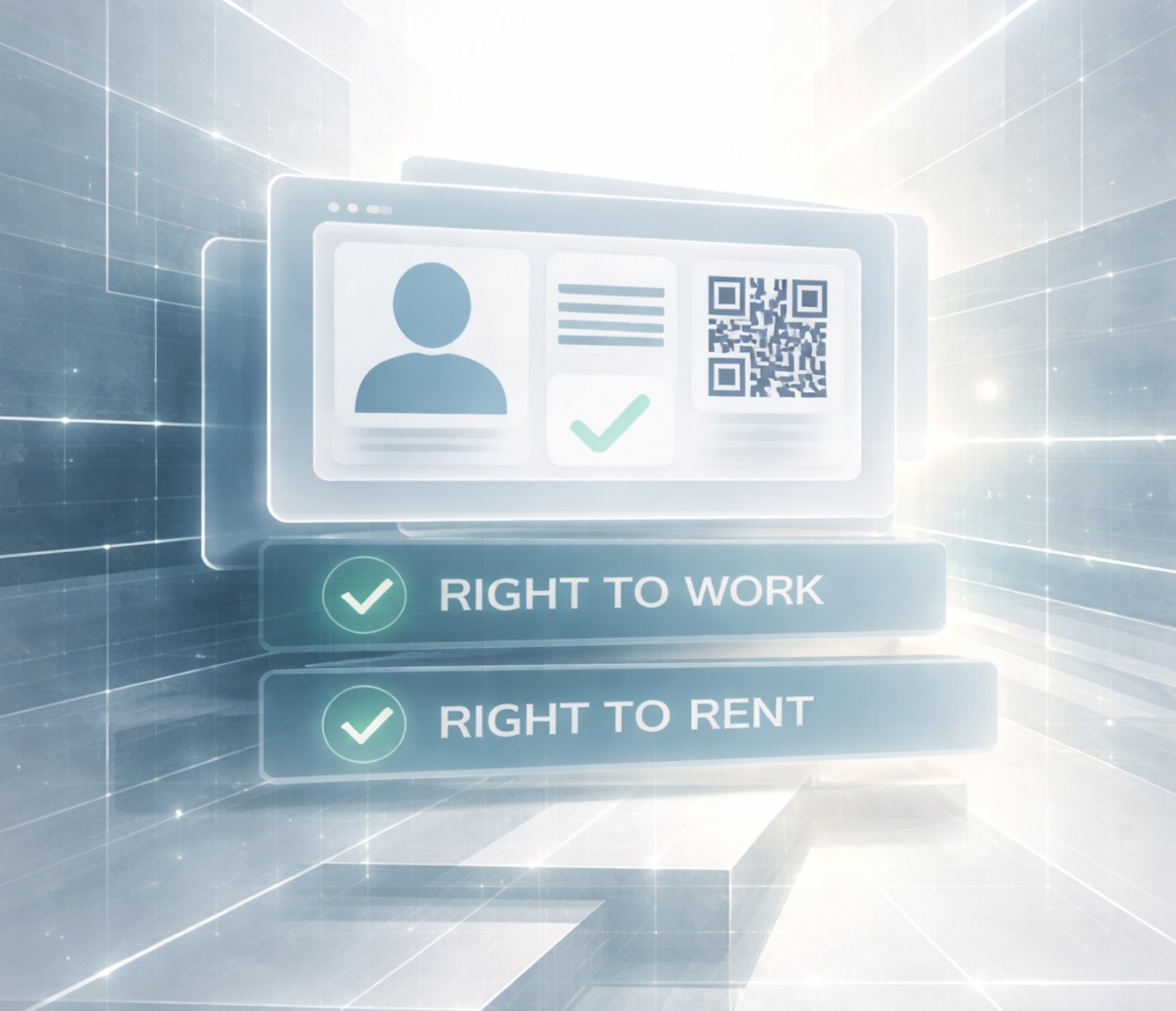
A person may use their eVisa to view status and generate share codes for purposes such as proving the right to work, rent or access certain services.
A person may use GOV.UK One Login to access government services that require sign-in or identity verification.
These two systems may appear close together during onboarding, but they serve different functions.
9. Share Codes and Verification Checks
Share codes are part of the digital immigration-status checking system.
They may be used for:
• Right to Work checks
• Right to Rent checks in England
• other permitted status-checking contexts
A share code is purpose-specific.
A code created for a landlord is not the same as a code created for an employer.
The checker usually needs both the share code and the person’s date of birth.
This is separate from simply signing in to GOV.UK One Login.
For newcomers, the distinction matters:
• GOV.UK One Login helps with sign-in and identity verification for participating services
• UKVI account and eVisa show immigration-status information
• share codes allow authorised checkers to view relevant status information for a specific purpose
10. HMRC and GOV.UK One Login
HMRC has started introducing GOV.UK One Login for some new users.
This is part of a wider government transition toward a shared digital sign-in and identity layer.
However, existing HMRC users with Government Gateway accounts may still use their current details until they are told to switch.
This means newcomers may encounter GOV.UK One Login when accessing HMRC services for the first time, while other users may still see Government Gateway.
The transition is gradual.
It is important not to assume that every HMRC account or every government service has already moved to GOV.UK One Login.
11. Companies House and Business Identity
GOV.UK One Login is also relevant to Companies House.
Companies House has been moving online access and identity verification into the GOV.UK One Login environment.
This can matter for:
• company directors
• persons with significant control
• people filing company information
• users connecting business accounts to digital services
• people verifying identity for company-related requirements
For business users, GOV.UK One Login is not only about personal access.
It is also part of a broader move toward clearer identity assurance around who controls, files for or manages UK companies.
12. Why Verification Can Fail or Feel Difficult
Identity verification can fail or become delayed for several system-level reasons.
Common causes include:
• name format differences
• spelling variations
• different document details across systems
• changed passport details
• limited UK address history
• limited UK credit history
• insufficient data for security questions
• expired or unsupported documents
• app scanning issues
• camera or device limitations
• email or phone access problems
• choosing the wrong route for the service
These issues do not all mean the same thing.
A technical app issue, a data mismatch, a document limitation and a missing account access route are different system events.
Understanding the difference helps reduce confusion.
13. How to Think About One Login Correctly
GOV.UK One Login should be understood as a digital access and identity layer.
It is not:
• an immigration status by itself
• a replacement for eVisa
• a substitute for a share code
• a guarantee that every service will accept the same route
• a confirmation that every record across government is already aligned
It is better understood as part of a wider digital government structure.
That structure includes:
• sign-in access
• identity proving
• security and recovery methods
• service-specific permissions
• eVisa and UKVI account access where immigration status is relevant
• share codes for authorised checkers
• official records held by different departments
For newcomers, the key challenge is often not one single account.
It is making sure that personal details, identity documents, contact access and official records align across multiple systems.
14. Common Points of Confusion
Newcomers often confuse:
• GOV.UK One Login and Government Gateway
• GOV.UK One Login and UKVI account
• eVisa and share code
• identity verification and immigration-status verification
• Right to Work and Right to Rent
• an account access problem and a status problem
• a document issue and a data-matching issue
• a failed app scan and a failed identity record
These distinctions matter because different problems require different official routes.
A person may be able to sign in but not verify identity.
A person may have valid eVisa status but struggle to access the UKVI account.
A person may generate a share code but still need the checker to use the correct official checking service.
Each layer has its own function.
Final Thoughts
GOV.UK One Login is becoming a major part of digital government access in the UK.
For newcomers, it sits alongside other important systems: eVisa, UKVI account, share codes, HMRC access, Companies House, address history and official records.
The system can feel strict because it depends on consistency.
Names, dates of birth, document details, email access, phone access and official records all need to align.
Understanding GOV.UK One Login as one layer within a wider administrative structure helps explain why digital onboarding can feel complex — and why small mismatches can create significant friction.
Auralen Note
Auralen provides structured, information-only clarity about UK administrative systems and digital access layers.
Auralen does not act on behalf of clients and does not provide legal, immigration, financial, tax or regulated advice.